

How the HubSpot GetAccept Integration Actually Works (And Whether It's Worth It)
Your CRM knows everything about the deal. But the moment a rep needs to send a proposal, pull together pricing, get stakeholders aligned, and collect a signature — that's where HubSpot alone starts to feel thin.
GetAccept fills that gap, and the HubSpot GetAccept integration is one of the more mature "CRM + deal execution" pairings on the market right now.
But "mature" doesn't mean simple. There are real strengths here, real limitations, and a few gotchas that only show up once you're mid-implementation. This article breaks down how the integration actually works, what it costs, and whether it makes sense for your sales org.
What GetAccept Adds to a HubSpot Sales Stack
The cleanest way to think about this pairing is as a split between your system of record and your system of engagement.
HubSpot stays in charge of what it's always been good at: contacts, companies, deals, line items, pipeline stages, forecasting, and reporting. It's where your revenue data lives, where your automation runs, and where your managers pull dashboards.
GetAccept takes over the buyer-facing layer — the part of the deal that your prospect actually sees and interacts with. That means proposals with formatted pricing tables, Digital Sales Rooms where multiple stakeholders can review collateral and leave comments, engagement tracking (who opened what, how long they spent on each page), and e-signature collection to close the loop.
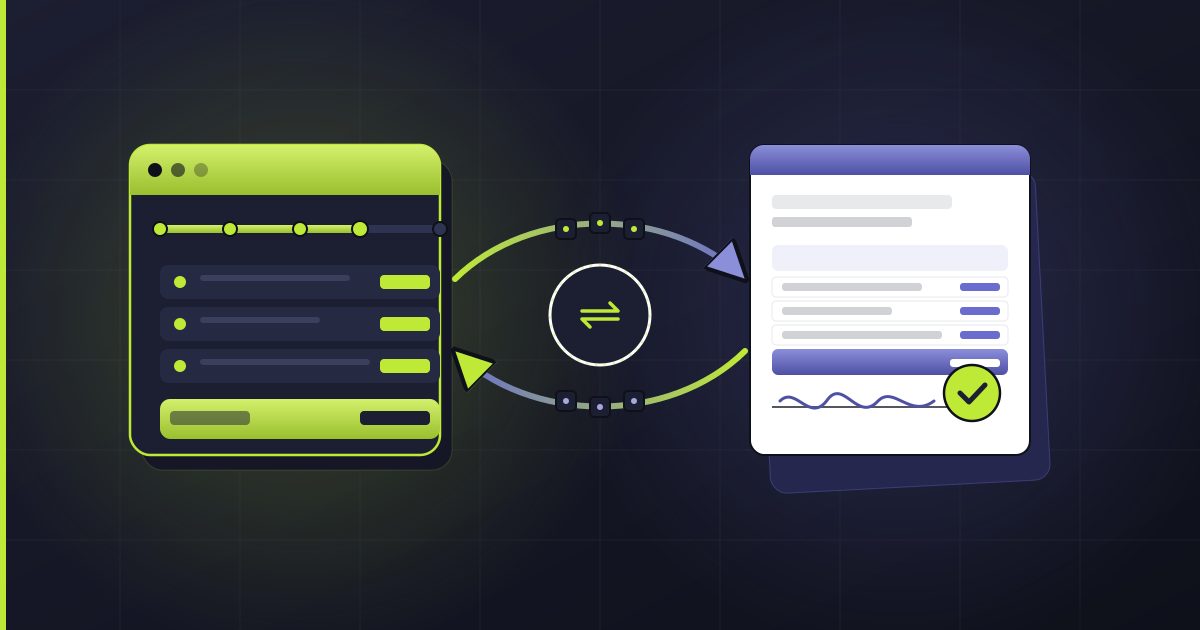
The magic isn't in either tool alone. It's in the feedback loop between them. When a buyer opens your proposal, that activity flows back into HubSpot. When they sign, it can automatically advance the deal stage. When they go quiet, your reps get notified. Instead of proposals disappearing into an email black hole, you get visibility into what's happening on the other side of the deal.
If you're running a sales team on HubSpot and your proposal process still involves attaching a PDF to an email, this is the gap GetAccept is designed to close.
The HubSpot GetAccept Integration in Practice
This is where it gets practical. The HubSpot GetAccept integration runs natively inside HubSpot using CRM cards on Deal, Contact, and Company records. Once connected, reps don't need to leave HubSpot to create and send proposals.
What works well
1. CRM cards and in-context sending
After setup, reps see a GetAccept card directly on deal records. From there, they can create a Contract (signable document), Non-Signable Content, or a full Deal Room — all without switching tabs. The send flow pulls in HubSpot data automatically: merge fields populate from deal and contact properties, and pricing tables pull directly from HubSpot line items.
2. Timeline logging
Every significant event — document sent, opened, viewed, signed — gets logged on the HubSpot deal timeline. This is useful not just for visibility, but for triggering downstream automation.
Event sync profiles. This is one of the more underappreciated features. GetAccept lets you configure "event sync profiles" that update HubSpot properties when specific things happen: a contract is signed, rejected, or reviewed; a Deal Room is visited or a task is completed.
You can use these to auto-advance pipeline stages, set date properties, or flag deals for follow-up — all without writing custom code.
Workflow actions. GetAccept offers custom actions inside HubSpot Workflows, including: create document, send document, create Deal Room, publish Deal Room, and add participants. This means you can automate parts of the proposal process based on deal criteria.
What to watch out for
No integration is perfect, and this one has a few documented constraints worth knowing before you build processes around it.
Deal-only workflow actions. GetAccept's custom workflow actions currently only work with HubSpot's Deal object. If you're trying to trigger document creation from a Contact or Company workflow, you'll need a workaround.
Two-recipient limit on automated sends. The "send document" workflow action is limited to two recipients linked to the deal. For multi-stakeholder deals, reps will likely still need to manually manage recipients from the CRM card.
Enterprise-only custom objects. GetAccept can sync Deal Room and Contract data into HubSpot as custom objects for richer reporting — but this requires Enterprise plans on both GetAccept and HubSpot. If you're on Professional, you'll rely on timeline events and property updates instead.
Identity matching. The user connecting the integration must be both a HubSpot super admin and a GetAccept admin, and their email addresses must match across both platforms.
Field-type limitations. Some GetAccept documentation notes that dropdown fields and date fields may not sync cleanly in all scenarios. Always test your specific field mappings before rolling out to the team.
A Real Proposal-to-Signature Workflow
Here's what a typical deal flow looks like when both tools are working together.
A lead comes in — through marketing, outbound, a referral, whatever the channel. Your rep qualifies them in HubSpot, creates a deal, and works it through discovery and scoping. Standard HubSpot pipeline stuff.
Once the deal reaches the point where pricing needs to go out, the rep opens the GetAccept CRM card on the deal record. They choose a proposal template, and GetAccept automatically merges in the contact name, company, deal amount, and line items from HubSpot. The rep reviews the pricing table, adjusts if needed, and sends the Deal Room link to the buyer's stakeholders.
Now here's where engagement tracking kicks in. The rep can see — right from HubSpot — when the proposal was opened, which pages got the most attention, and whether the buyer forwarded it to other people on their team. If the buyer goes dark for three days, an event sync profile can trigger a HubSpot task reminding the rep to follow up.
When all parties sign, GetAccept pushes a "Signed" event back to HubSpot. An event sync profile (or a HubSpot workflow) automatically moves the deal to Closed Won, stamps the signature date, and kicks off your onboarding sequence. No manual stage changes. No "did they actually sign?" Slack messages.
The whole loop — from CRM to signed contract and back — stays connected. That's the real value of the integration: not just sending prettier proposals, but closing the data loop so your pipeline reflects reality.
Pricing Reality Check
Let's talk money, because both tools have pricing structures that can surprise you if you're not paying attention.
HubSpot Sales Hub runs from Free up through Enterprise. Most teams doing real sales automation land on Professional at $90/seat/month (annual billing), which unlocks workflows, sequences, and forecasting. Enterprise is $150/seat/month.
Both Professional and Enterprise carry onboarding fees ($1,500 and $3,500 respectively). Keep in mind that HubSpot's native quote e-signature (powered by Dropbox Sign) requires Commerce Hub Professional or Enterprise and comes with pooled monthly signature limits.
GetAccept has three tiers. eSign starts at $25/user/month and covers basic e-signature workflows — but it caps at five users. Professional is $49/user/month with a five-user minimum and annual billing required; this is where you get full Deal Room capabilities and the HubSpot integration at no extra cost. Enterprise is custom-priced and adds API access, custom objects sync, and advanced security controls.
The gotchas that affect your budget:
For HubSpot, the biggest cost driver is tier gating. Workflows, advanced reporting, and many sales features are locked behind Professional or Enterprise. If you're on Starter and thinking "I'll just add GetAccept," you'll likely find that the automation needed to make the integration valuable requires a HubSpot upgrade too.
For GetAccept, watch the add-ons. CRM integrations and API access can be add-ons depending on your plan. The HubSpot integration itself is included in Professional and Enterprise, but if you need API access for custom workflows on Professional, that's extra.
A realistic "mid-market" stack — HubSpot Sales Hub Professional plus GetAccept Professional for a team of ten reps — runs roughly $90 + $49 = $139/user/month before any HubSpot platform fees or GetAccept add-ons. That's not cheap, but it's competitive with alternatives like PandaDoc or Proposify when you factor in the native integration depth.
Security and Compliance at a Glance
If you're in a regulated industry or selling to enterprise buyers, both platforms check the major boxes.
HubSpot undergoes annual SOC 2 Type 2 and SOC 3 audits and runs on AWS infrastructure that holds its own SOC 2 and ISO 27001 certifications. HubSpot itself is not ISO 27001 certified — a nuance worth knowing if your procurement team asks — but the underlying infrastructure is. Trust center documentation and a Data Processing Agreement are available.
GetAccept claims SOC 2 certification, GDPR and CCPA compliance, and uses ECDSA 256 and AES 256 encryption. For teams that need qualified electronic signatures under European regulations, GetAccept supports advanced and qualified e-signature levels (AdES/QES) aligned with eIDAS.
They also offer SSO/SAML, SCIM provisioning, MFA, and role-based access controls. A notable policy: GetAccept states that no customer data is shared with OpenAI or other external AI providers, and data is never used to train language models.
Together, the combined stack gives you a defensible security posture — but as always, review both vendors' DPAs and confirm field-level data handling for your specific deployment.
Is It Worth It? Strengths and Trade-Offs
Where this combination shines: The HubSpot GetAccept integration turns your CRM from a place where deals are tracked into a system where deals are actually executed. The engagement signals alone — knowing who looked at your proposal and for how long — give sales managers coaching opportunities and reps a reason to follow up with context instead of "just checking in."
Vendor-published case studies back this up with notable numbers. Dealfront reported cutting their sales cycle from 150 days to 50 after implementing GetAccept's Digital Sales Rooms. SalesScreen saw their win rate double from 13% to 26%.
These are self-reported metrics and your results will vary, but the directional signal is consistent: teams that add structured proposal workflows and engagement tracking to their CRM tend to close faster.
Where you'll feel friction: GetAccept's content editor and template builder draw recurring criticism in third-party reviews — customization can feel limited, and complex proposal layouts sometimes require workarounds.
The integration constraints mentioned earlier (deal-only workflows, two-recipient limit on automated sends) mean you'll still need manual steps for complex multi-stakeholder deals. And at Enterprise scale, you're paying meaningful per-user costs on both platforms.
Who should consider this stack: B2B sales teams running HubSpot as their CRM, sending more than a handful of proposals per week, and wanting visibility into what happens after the proposal is sent. It's especially strong for teams with multi-stakeholder deals where a shared Deal Room replaces scattered email threads. If you're a solo founder sending three proposals a month, you probably don't need it. If you have a team of eight reps each managing 15+ active deals, the ROI case gets compelling fast.
Share: